Image SEO: Complete Guide for Marketers


Every image on your site either works for your rankings or quietly works against them — there's no neutral ground. This guide breaks down exactly how to name, compress, tag, and serve images so Google can crawl them, understand them, and send you traffic through both standard results and visual search.
After working with many marketing teams on content workflows, image optimization is one of the fastest wins I recommend. Most sites upload uncompressed files with generic names and empty alt attributes, then wonder why competitors keep showing up in image packs. You'll learn the specific steps that fix those gaps — from file format choices to structured data — without overcomplicating your process.
Let's start with what image SEO actually means and why Google needs your help to "see" your visuals.

What is image SEO? (Quick answer)
Image SEO is optimizing every image on your site so search engines can crawl it, understand what it shows, and rank it where people actually find it. Think of it as giving Google clear labels for visuals it otherwise can't "see."
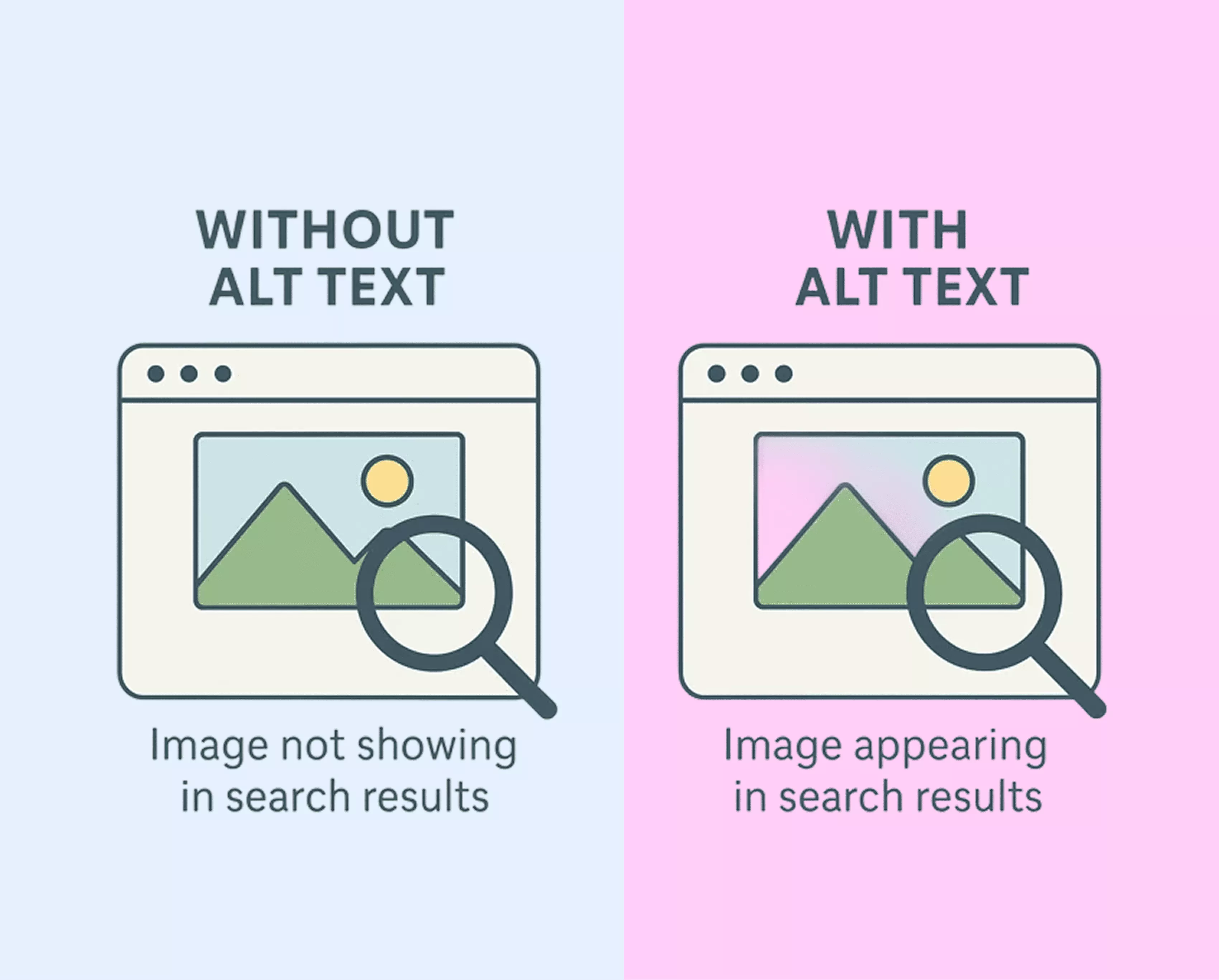
That means getting specific with file names, writing descriptive alt text, choosing the right format, compressing file size, and adding structured data when appropriate. Each piece helps Google's crawlers index your images and connect them to relevant queries. Why does that matter? An optimized image doesn't just appear in Google Images — it strengthens the entire page's ranking potential.
Most site owners upload "IMG_4082.jpg" and move on. That's a missed signal. A bakery in Austin renaming that file to "sourdough-loaf-austin-bakery.jpg" with matching alt text gives Google two extra data points before you've touched a single line of code.
Image optimization for SEO covers both technical and descriptive elements — telling search engines what the image is, how it relates to the page, and ensuring it loads fast enough that visitors don't bounce.
Bottom line: if Google can't crawl, read, and serve your images, you're leaving traffic on the table.
Why images matter for SEO in 2026
Images pull double duty — helping pages rank higher while generating independent traffic through Google Images and visual search tools like Google Lens.
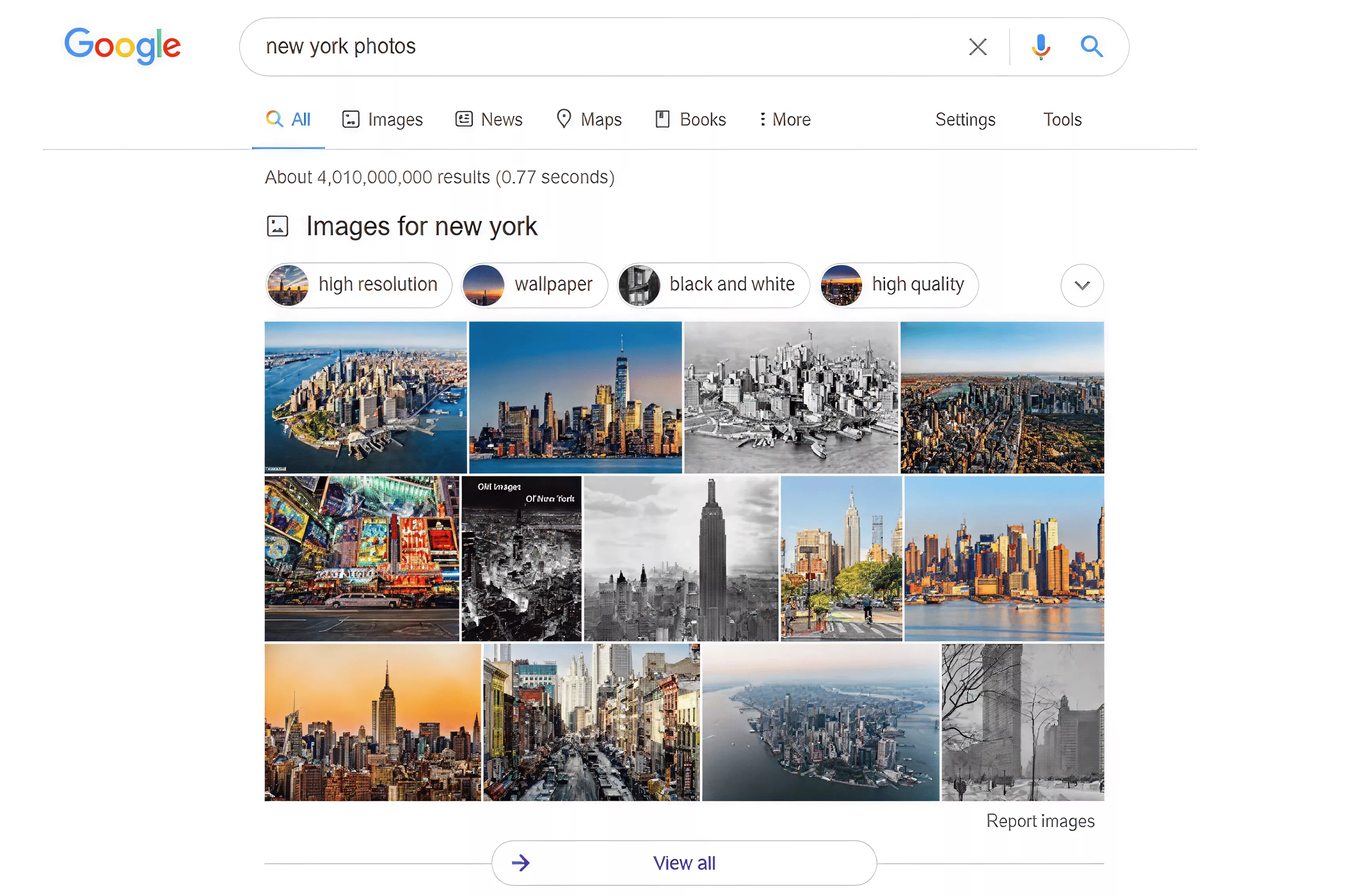
Most competing pages share similar word counts, backlink profiles, and on-page signals. A well-optimized image can be the tiebreaker. Google weighs page experience heavily, and images affect load speed, engagement time, and click-through rate all at once.
Then there's the independent channel. When someone photographs a plant with Google Lens or reverse-searches a product screenshot, your image can surface — even without a typed keyword. That's a discovery path text-only strategies miss entirely.
Consider a Denver home renovation company. Their before-and-after kitchen photos, properly named and compressed, appear in image packs above standard results. Clicks send visitors to project pages, feeding leads they didn't pay for. That visibility ties directly to measurable SEO benefits for your business.
Image optimisation for SEO also signals topical relevance. Contextually matched visuals tell Google your content is thorough, reinforcing your text and giving crawlers another way to confirm your page deserves its position.
Bottom line: images are both a ranking input and a standalone traffic source you can't ignore. Before optimizing anything, though, you need the right file format — and the answer has changed significantly in recent years.
Choosing the right image format
Format choice affects file size, load speed, and how well each image performs in search.
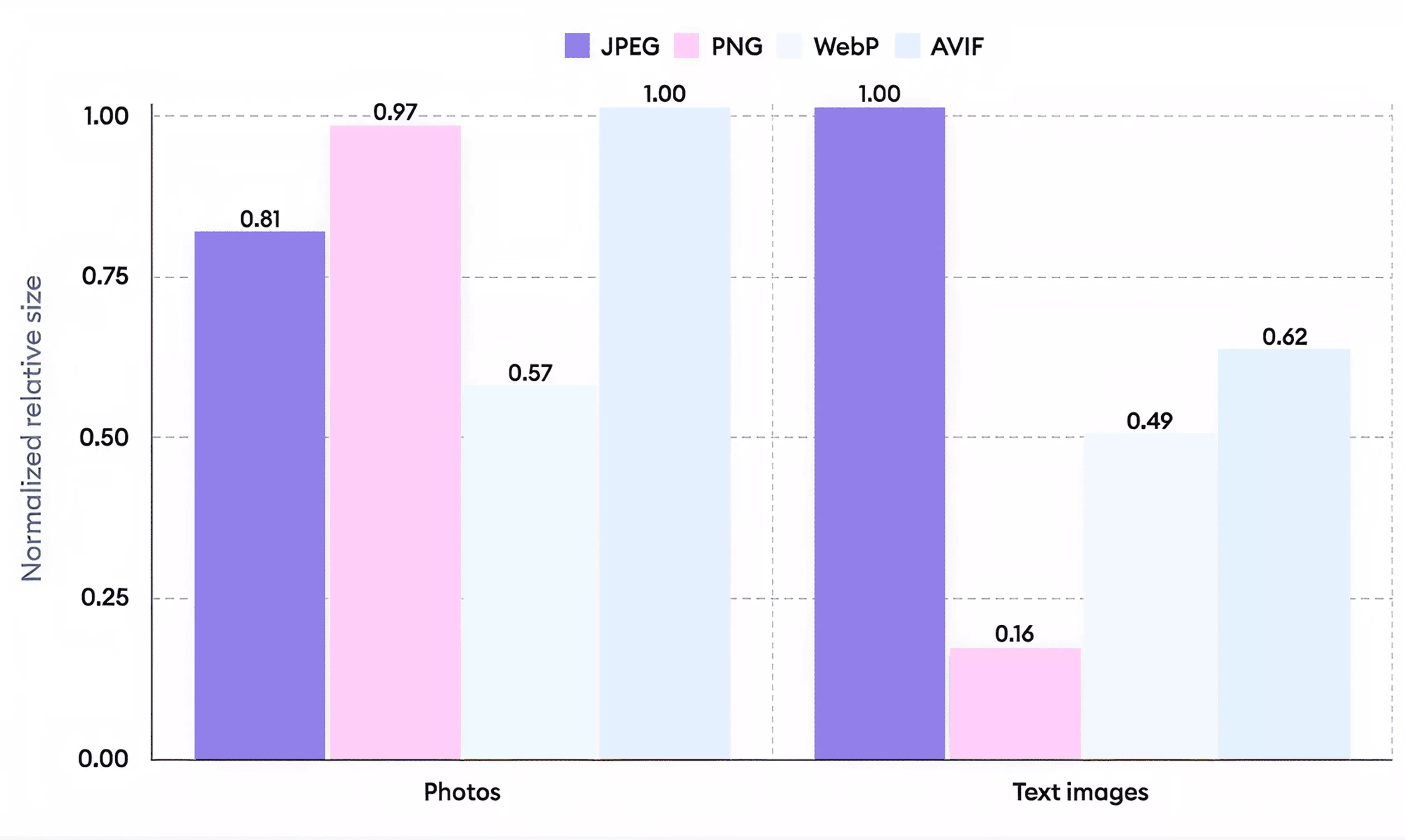
WebP handles most situations best — smaller files than JPEG and PNG at comparable quality, with universal browser support. In most cases, one of the most practical tips for SEO image optimization is converting your existing library to WebP first.
That said, not every situation calls for WebP. JPEG still works for older email clients and legacy systems. PNG handles transparency — logos, icons, overlays. SVG keeps vectors crisp at any size with minimal weight. AVIF compresses smaller than WebP, but browser support is still catching up.
Ever wondered why identical content ranks differently? A lean WebP hero loads noticeably faster than a bloated uncompressed PNG — and that gap compounds across every image on the page.
WebP | JPEG | PNG | SVG | AVIF | |
Best use | Photos, general web | Legacy systems, email | Transparency needed | Logos, icons, charts | Future-ready compression |
File size | Small | Medium | Large | Tiny (vectors) | Smallest |
Transparency | Yes | No | Yes | Yes | Yes |
Browser support | Universal | Universal | Universal | Universal | Growing |
Start with WebP. Reach for the others only when a specific need demands it.
Once you've chosen the right format, make sure Google can actually read what each image is about — starting with file names and alt text.
Image file names and alt text for SEO
Descriptive file names tell Google what an image shows before the page even loads. Alt text explains why it belongs there.
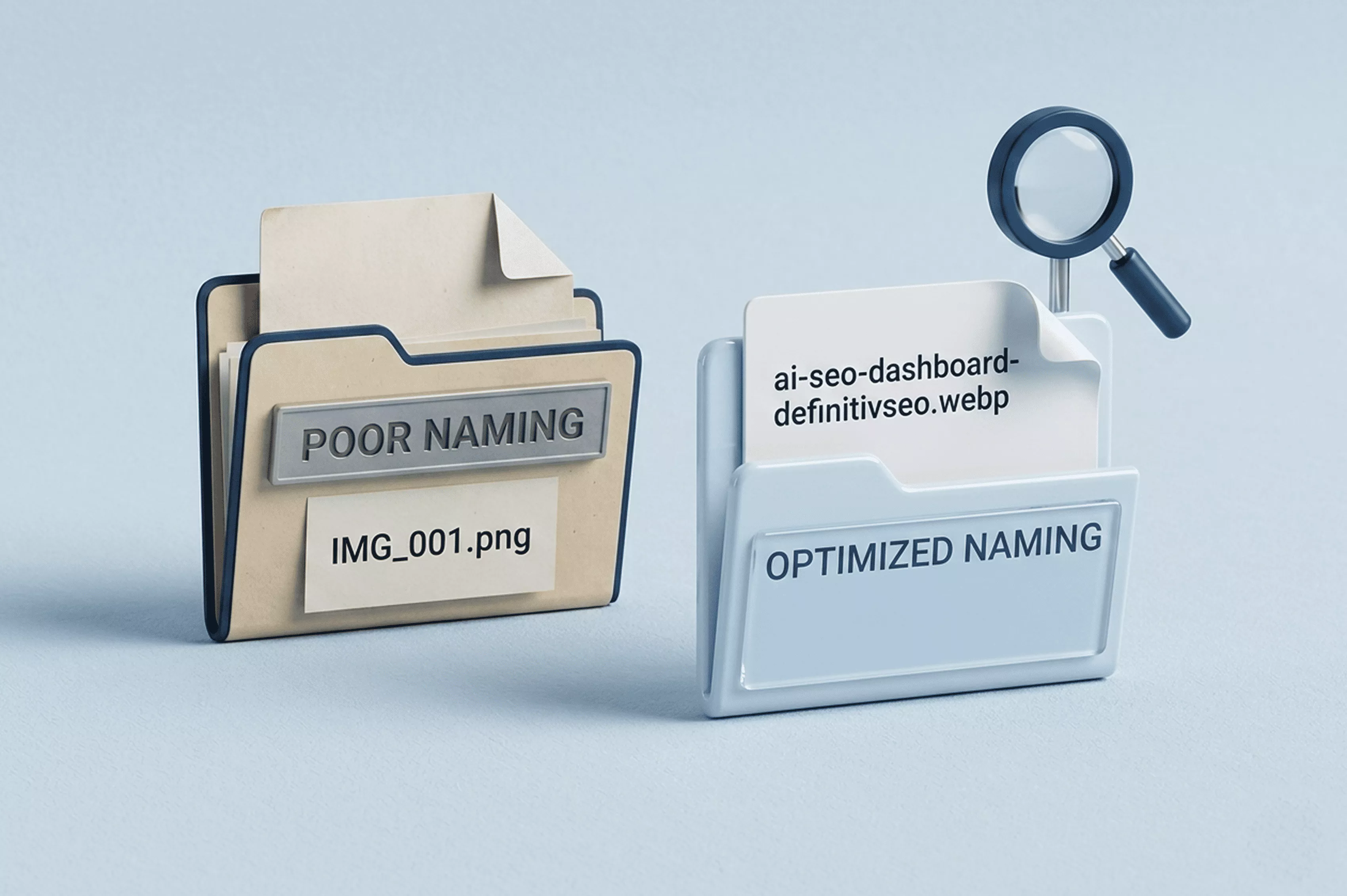
Most people skip image naming for SEO entirely. They upload "DSC_0042.png" and wonder why their visuals never surface. Rename files to something specific — "red-velvet-cupcake-bakery-display.jpg" tells crawlers exactly what they're indexing. Use hyphens, keep it lowercase, and drop filler words.
How do you write image alt text for SEO? Describe the image as if explaining it to someone who can't see it. Write "walnut mid-century dining table with six chairs in a bright kitchen" rather than stuffing in keywords. The best image alt text is specific, honest, and concise, so screen readers can process it fully.
Image names and alt attributes should complement each other without being identical. The file name handles the broad label; alt text adds context. Together, they give Google two distinct signals confirming relevance — and help you track organic search performance more accurately, since properly tagged images appear in image search reports.
For decorative elements, use an empty alt attribute so crawlers skip them. Rename every file before uploading, and write alt text that describes rather than decorates.
Now make sure the file itself is lightweight enough not to slow your page down.
Image size and speed optimization
Oversized images are the most common reason pages fail Core Web Vitals. They inflate Largest Contentful Paint, push load times past visitor tolerance, and drag rankings down. If your LCP exceeds 2.5 seconds, images are typically the first suspect.
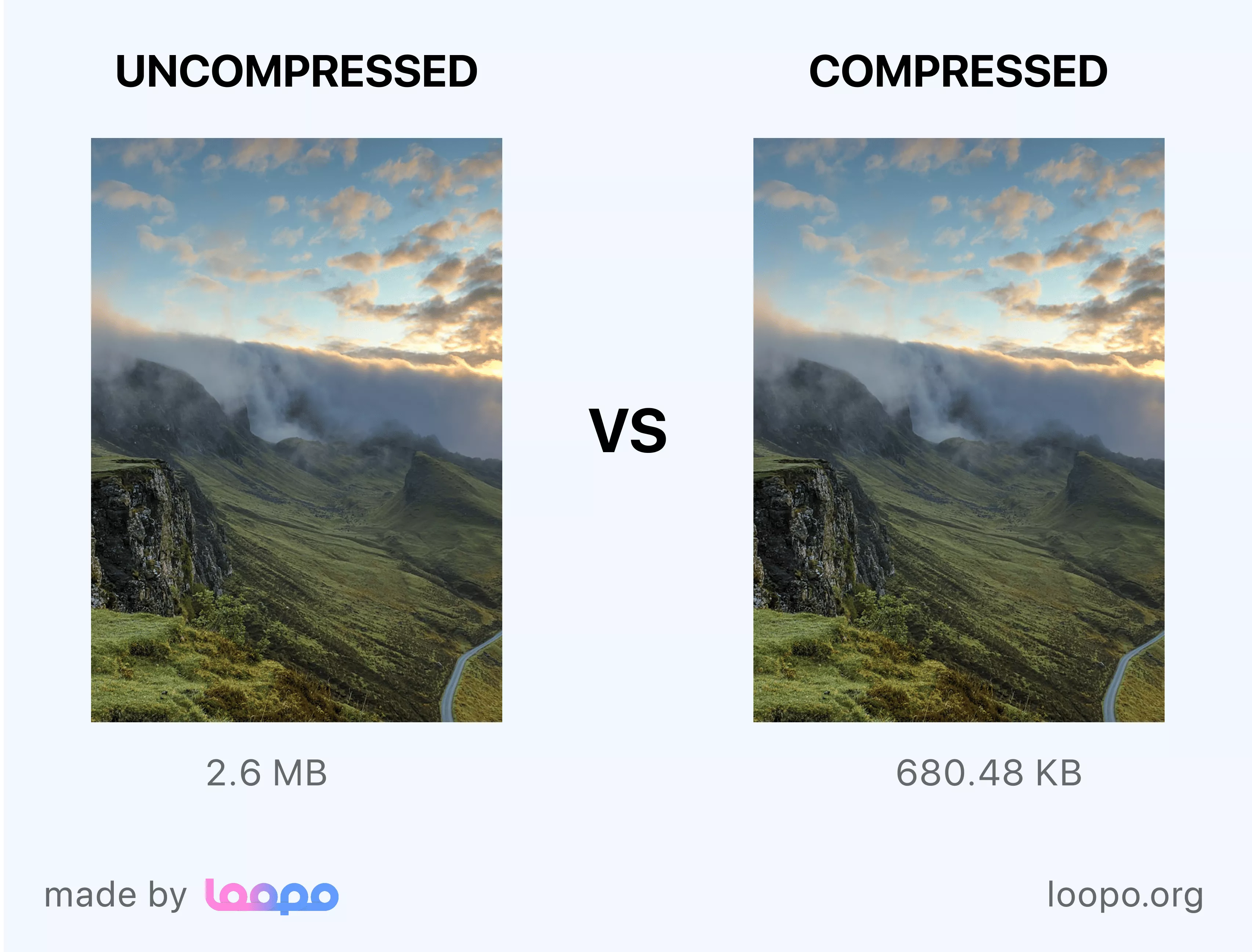
Most sites don't need excessively wide images — resize to a practical maximum before uploading, then compress with Squoosh, ShortPixel, or Imagify, cutting file weight significantly without visible quality loss.
Wondering about image sizing for a WordPress blog? Keep hero images and thumbnails as small as practical while preserving acceptable visual quality. Serve responsive images using srcset. Browsers load only the size that fits each screen, shaving potentially hundreds of kilobytes per page.
Why do so many sites ignore this? It's the pattern described in common blogger mistakes that hurt SEO: people focus on content and forget the container. A properly optimized image keeps pages fast and Google happy.
Aim for a lean total page image weight — compress aggressively so your page stays fast across connection speeds. Compress, resize, serve responsive versions, and both your LCP and rankings will thank you.
Speed optimization applies everywhere, but ecommerce stores have additional image requirements that deserve their own playbook.
Image SEO for ecommerce websites
Product photos must sell and rank simultaneously.

Basic alt text isn't enough for Google Shopping placements. Image SEO for ecommerce products requires Product schema tying each photo to price, availability, brand, and condition. Google's merchant listing documentation specifies exact required properties — missing one can disqualify images from rich results entirely.
Write alt text that includes the product name, color, size, and material. "Women's navy leather crossbody bag — 10 inch" beats "product photo" every time, surfacing your listing for purchase-ready long-tail queries.
Shoot every product on clean white backgrounds at consistent dimensions. Google recommends at least 100×100 pixels for non-apparel and 250×250 for clothing, but aim for a resolution high enough to keep zoom sharp across devices. Inconsistent sizing triggers layout shifts that hurt Core Web Vitals.
A home goods retailer tagging kitchen knife images with Product schema — including image, name, offers, and brand — can appear in Google Shopping carousels without paying for ads. That's purchase-ready traffic from image SEO for ecommerce website optimization alone.
Bottom line: pair descriptive alt text with complete Product schema and consistent presentation, and your images work like unpaid shopping ads.
Beyond product pages, a technical layer of image SEO applies to every site — covering HTML markup, sitemaps, and structured data.
Technical image SEO: tags, sitemaps & HTML
Getting visuals noticed starts with how they're coded. If Google can't find an image in your HTML, it simply won't index it.
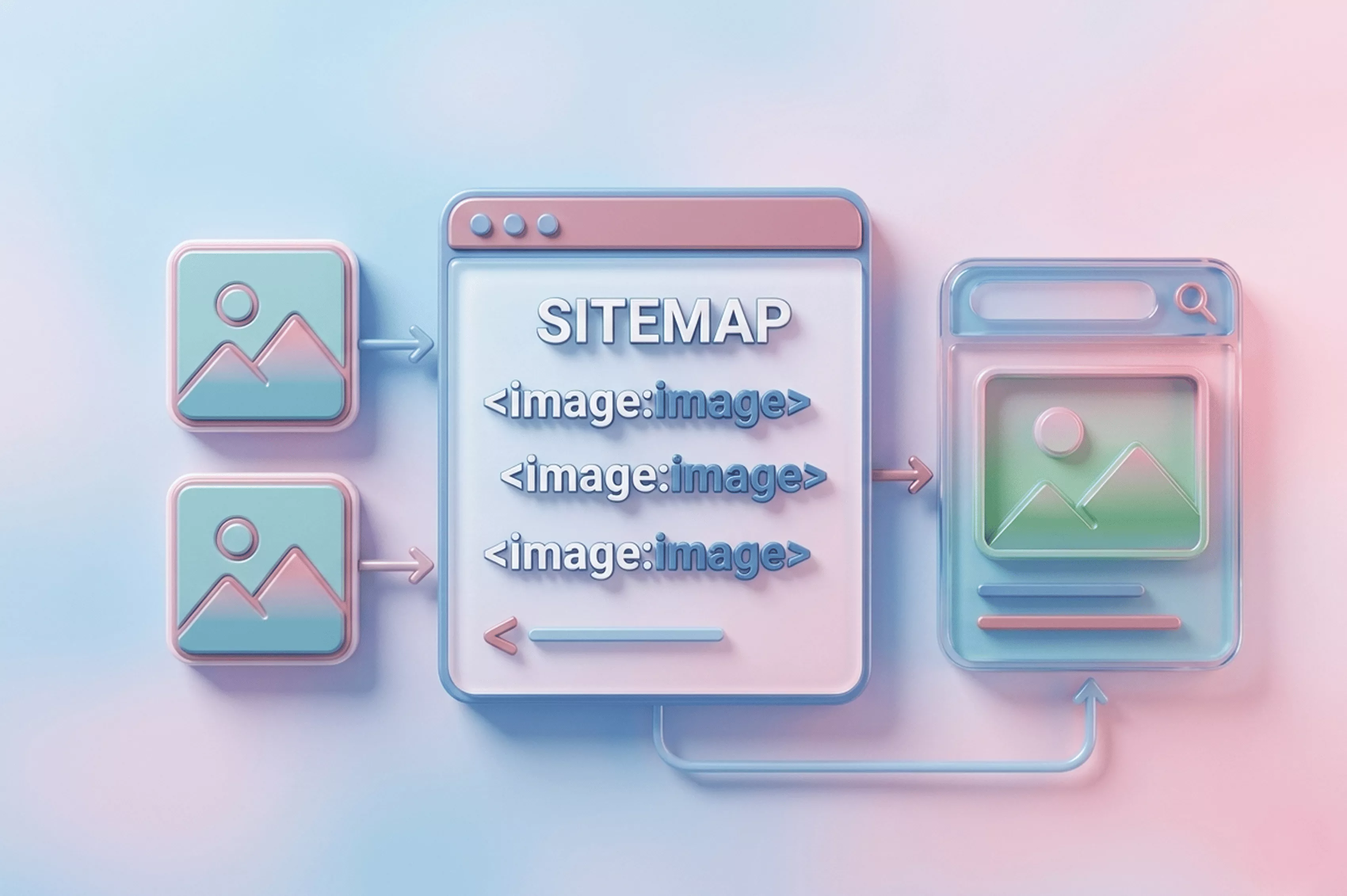
Google only indexes images in standard <img> tags. CSS background images aren't crawled — Google's Search team confirmed that background images set through stylesheets don't get indexed. Every meaningful visual needs a proper <img> element with filled src and alt attributes. Those are your non-negotiable image tags for SEO.
Submit an image sitemap
An image sitemap tells Google where every visual lives. Nest <image:image> entries inside your existing XML sitemap or create a dedicated one, then submit through Google Search Console. Sites with thousands of product or blog images typically see the biggest discovery gains.
Add structured data
ImageObject schema attaches license info, creator credits, and captions directly to an image for SEO credit. On product pages, wrap photos in Product schema — connecting visuals to the pricing and availability data search engines rely on.
Have you checked whether your hero images are <img> tags or CSS backgrounds? That single audit catches one of the most common image SEO mistakes teams overlook.
Bottom line: use <img> in HTML, submit an image sitemap, and layer structured data so Google can discover, crawl, and credit every visual.
The right tools make implementing all of this dramatically faster — here are the best options across every category.
Best SEO tools for image optimization
A few free and low-cost SEO tools for image optimization handle compression, format conversion, auditing, and monitoring without overlap.
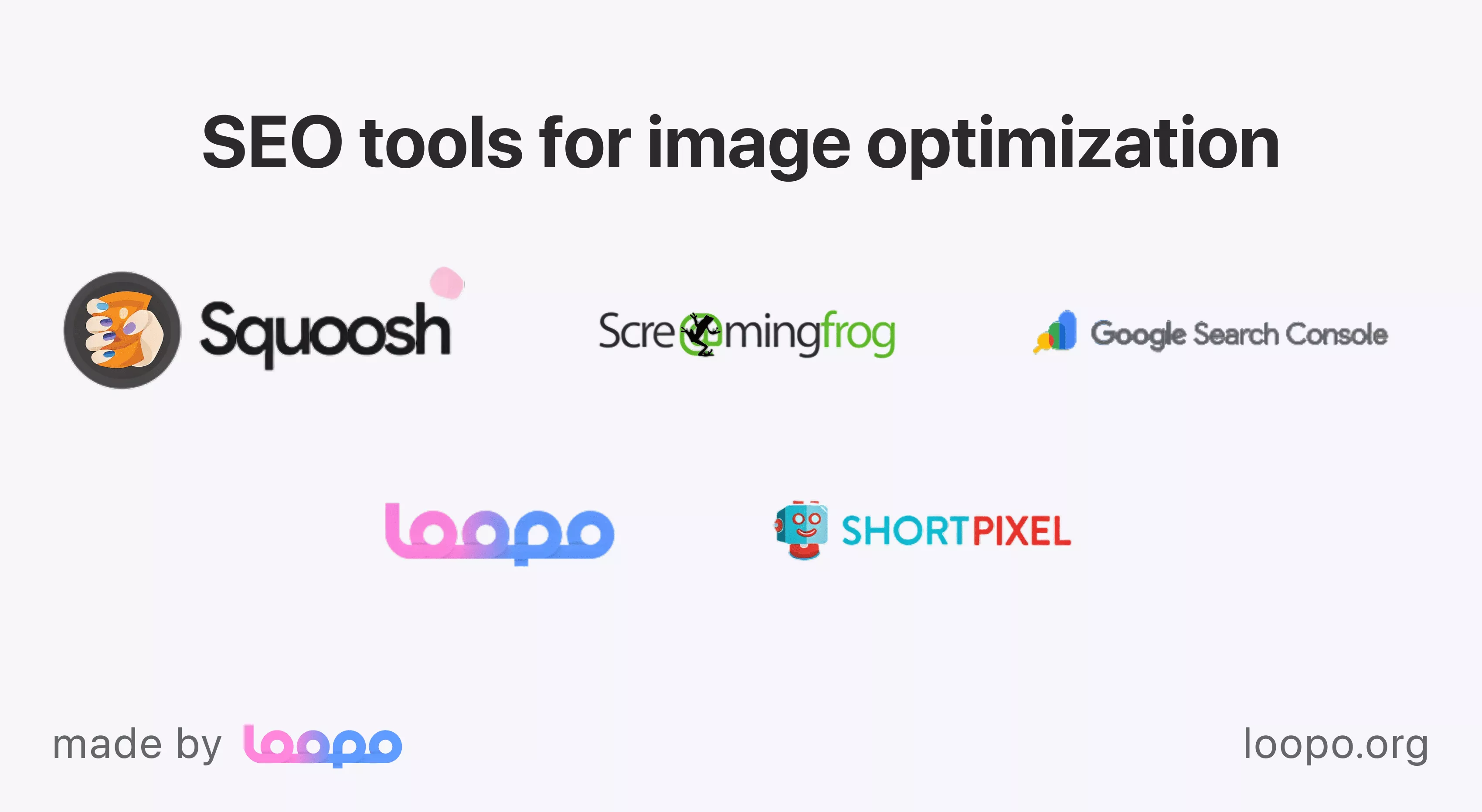
For compression, Squoosh (free, browser-based) compares formats side by side and exports WebP or AVIF in seconds. ShortPixel and Imagify plug into WordPress, automating batch compression on upload. If you're still compressing files manually one at a time, these plugins alone can reclaim hours each month.
For auditing, Screaming Frog's SEO Spider crawls your site and flags missing alt text, oversized files, and broken image URLs in one pass. Pair it with Google Search Console's page experience reports to catch Core Web Vitals issues tied to images. Together, those tools cover discovery and speed problems at once.
Loopo's AI tools for content optimization scan pages and surface image-level issues alongside text recommendations — no separate audit workflow needed.
A mid-size ecommerce brand running ShortPixel, Screaming Frog monthly, and Search Console weekly covers everything without an enterprise suite. Why add complexity when three tools handle the job? Pick one compression tool, one crawler, one monitoring dashboard — then stick with them.
With the right tools in place, here's how these practices actually play out in real campaigns.
What we've seen work: our experience with image SEO
After auditing images across dozens of client sites, a pattern keeps repeating: three or four changes drive most of the gains. Not twenty tactics. A handful.

Here's the thing: renaming files, writing honest alt text, compressing to WebP, and submitting an image sitemap account for roughly 80% of the traffic lifts we've measured. Everything else — structured data, lazy loading tweaks, AVIF experiments — adds incremental value but rarely moves the needle as dramatically.
A regional furniture retailer saw a significant increase in image pack appearances within weeks of renaming product photos and adding descriptive alt text. No redesign. No new content. Just better labels on existing visuals. That's image optimization for SEO at its most practical.
Does every tactic matter equally? Not even close. We've watched teams burn weeks perfecting caption schema while their hero images still loaded as 3 MB uncompressed PNGs. Prioritize what's broken first. Your content strategy framework should treat image SEO work the same way — fix high-impact gaps before chasing marginal improvements.
Bottom line: nail file names, alt text, compression, and sitemaps before anything else.
Use the checklist below to make sure you haven't missed anything before you publish or update any page.
Image SEO checklist
Run every image through these steps before publishing. Miss one and you're handing visibility to a competitor.
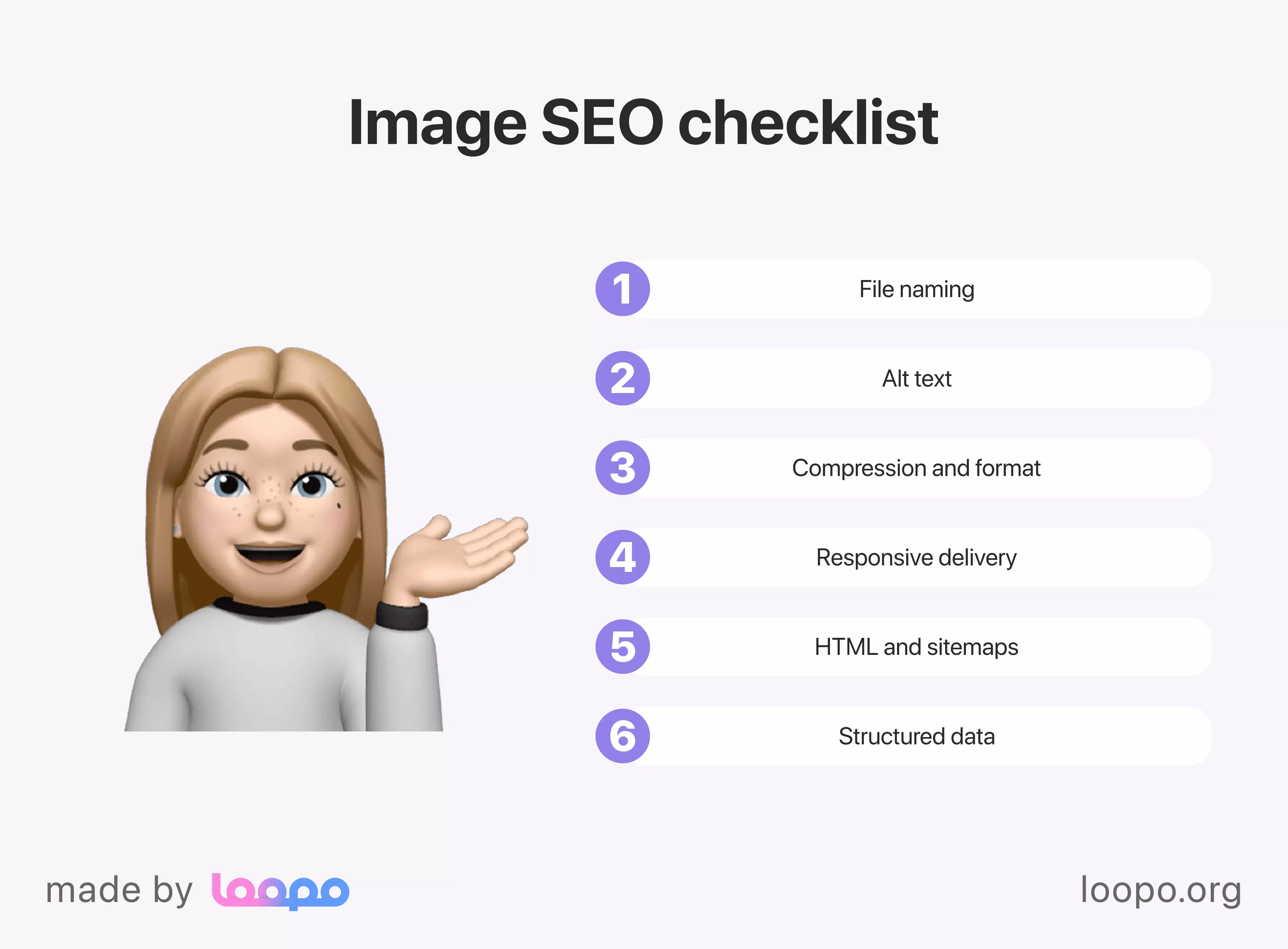
File naming
Rename files with descriptive, hyphenated, lowercase words. Good image naming for SEO looks like "blue-ceramic-mug-handmade.jpg" — not "IMG_4901.png." Drop filler words and keep it clean.
Alt text
Write image alt text that describes the visual honestly. Keep alt text concise so screen readers can process it fully. "Hand-thrown blue ceramic mug on a wooden shelf" beats "mug photo." Leave decorative images with an empty alt attribute.
Compression and format
Convert to WebP. Compress aggressively using Squoosh or ShortPixel. Keep hero images and thumbnails as small as practical while preserving acceptable visual quality.
Responsive delivery
Add srcset so browsers pull the right size per screen. Phones shouldn't download images sized for a desktop monitor.
HTML and sitemaps
Use <img> tags, not CSS backgrounds. Submit an image sitemap through Search Console so Google discovers each image quickly.
Structured data
Add ImageObject or Product schema where applicable — especially on ecommerce pages where missing fields cost you rich results.
Who on your team owns this checklist? Assign it now. Start your free trial and manage all your content in one place.
Check every image against these six steps so nothing slips through unoptimized.
Wrapping up your image SEO strategy
Every tactic in this guide points to the same principle: help Google see what you see. Rename files, write honest alt text, compress aggressively, and submit your sitemap. Those four moves alone outperform most sites that treat images as an afterthought.
You don't need a massive overhaul. Start with your highest-traffic pages, fix what's broken, then expand. Isn't that how every lasting improvement actually sticks?
Keep refining your approach with practical guides on our blog — we publish walkthroughs covering everything from content planning to technical audits.
The gap between knowing what to do and doing it consistently is where most teams stall. A system closes that gap. Start your free trial and manage all your content in one place.